
Google launched the native Gemini app for Windows on September 10, 2026, giving users a dedicated desktop client with Nano Banana image generation built in — a new access point that sits alongside the API and the browser. If you’ve been working with the model through code, the How to Get a Nano Banana Pro API Key: Setup, Billing, and Pricing (2026) guide covers the programmatic side of things.
Alt+Space: Nano Banana Without Leaving Your Work
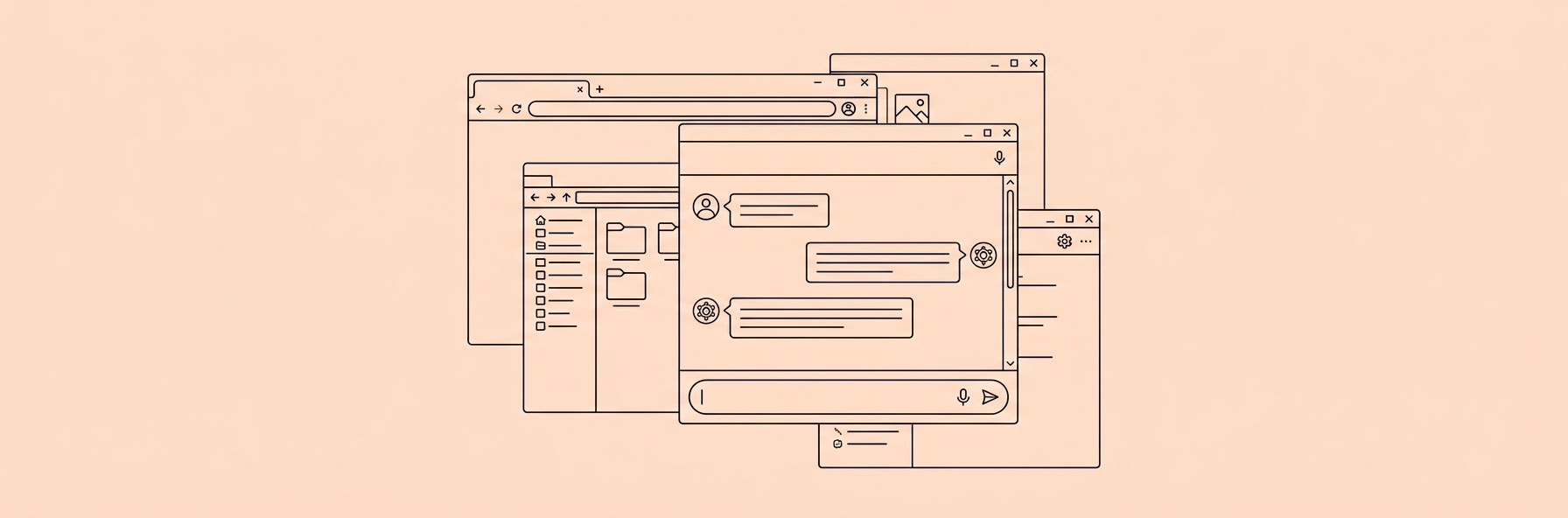
The headline feature is the keyboard shortcut: press Alt+Space at any point on a Windows 10 or 11 machine and a Gemini overlay appears on top of whatever application is already open. From there you can generate custom images with Nano Banana for a presentation — or run a quick fact-check — then close the overlay and return to your workflow in seconds. The app is described as lightweight and quiet, designed not to slow down the PC.
What Else the Desktop App Includes
Beyond image generation, the full app workspace lets users hand off multi-step tasks to Gemini Spark, Google’s 24/7 personal AI agent, and pull context from Gmail and Google Drive to draft documents. Video creation via Gemini Omni is also available from the same interface. Google notes that more native desktop capabilities are planned. The app is available now at gemini.google/desktop for all Windows 10 and 11 users globally.