
Nano Banana Dog Selfie: How to Turn Your Dog’s Photo Into AI Art
Dogs transformed into fantasy portraits, Pixar figurines, and cinematic scenes — that’s the Nano Banana dog selfie trend. Here’s how to make one: open Google Gemini, upload your dog’s photo, type a prompt — and Nano Banana generates the result in seconds. Free with a Google account.
This guide covers the full process step by step, the best prompts to copy-paste, and answers every common question.
What Is the Nano Banana Dog Selfie Trend?
The Nano Banana dog selfie trend started spreading on Instagram and TikTok in late 2025 under the hashtag #nanobanana. People were uploading regular photos of their dogs and getting back stunning AI-generated art — dogs as fantasy warriors in forest scenes, tiny collectible figurines, Renaissance portraits, and selfies where the dog looks like it’s actually holding the camera.
Nano Banana is Google’s AI image editing tool, built on the Gemini model. Unlike standard AI image generators that create images from scratch, Nano Banana specializes in editing and transforming existing photos. You give it your dog’s photo, write a prompt describing the style you want, and it generates a transformed version while maintaining your dog’s likeness and consistency.
The results people are sharing range from:
- Fantasy portraits — dogs in magical forest scenes with dramatic lighting
- Pixar-style figurines — your dog as a collectible 3D character
- Selfie shots — styled as if your dog is holding the camera
- Cinematic scenes — dogs posed in movie-quality environments
- Pet art — custom portraits people are selling on Etsy and using as profile pictures
Nano Banana vs Nano Banana 2 vs Pro — Which Should You Use?
There are now three versions of Nano Banana, and it matters which one you pick for dog photos.
| Version | Model | Best for | Price |
|---|---|---|---|
| Nano Banana | Gemini 2.5 Flash Image | Simple edits, quick transformations | Free (limited quota) |
| Nano Banana 2 | Gemini 2.5 Flash Image v2 | Dog selfies — keeps face & markings accurate | Free |
| Nano Banana Pro | Gemini 3 Pro | Complex compositions, up to 14 input images | Google AI Plus/Pro/Ultra |
Which to use for dog selfies? Start with Nano Banana 2 if you’re on free tier — the improved consistency makes a real difference for pet photos. Upgrade to Pro if you want studio-quality results or you’re blending multiple photos.
How to Make a Nano Banana Dog Selfie — Step by Step
Step 1: Open the Gemini app
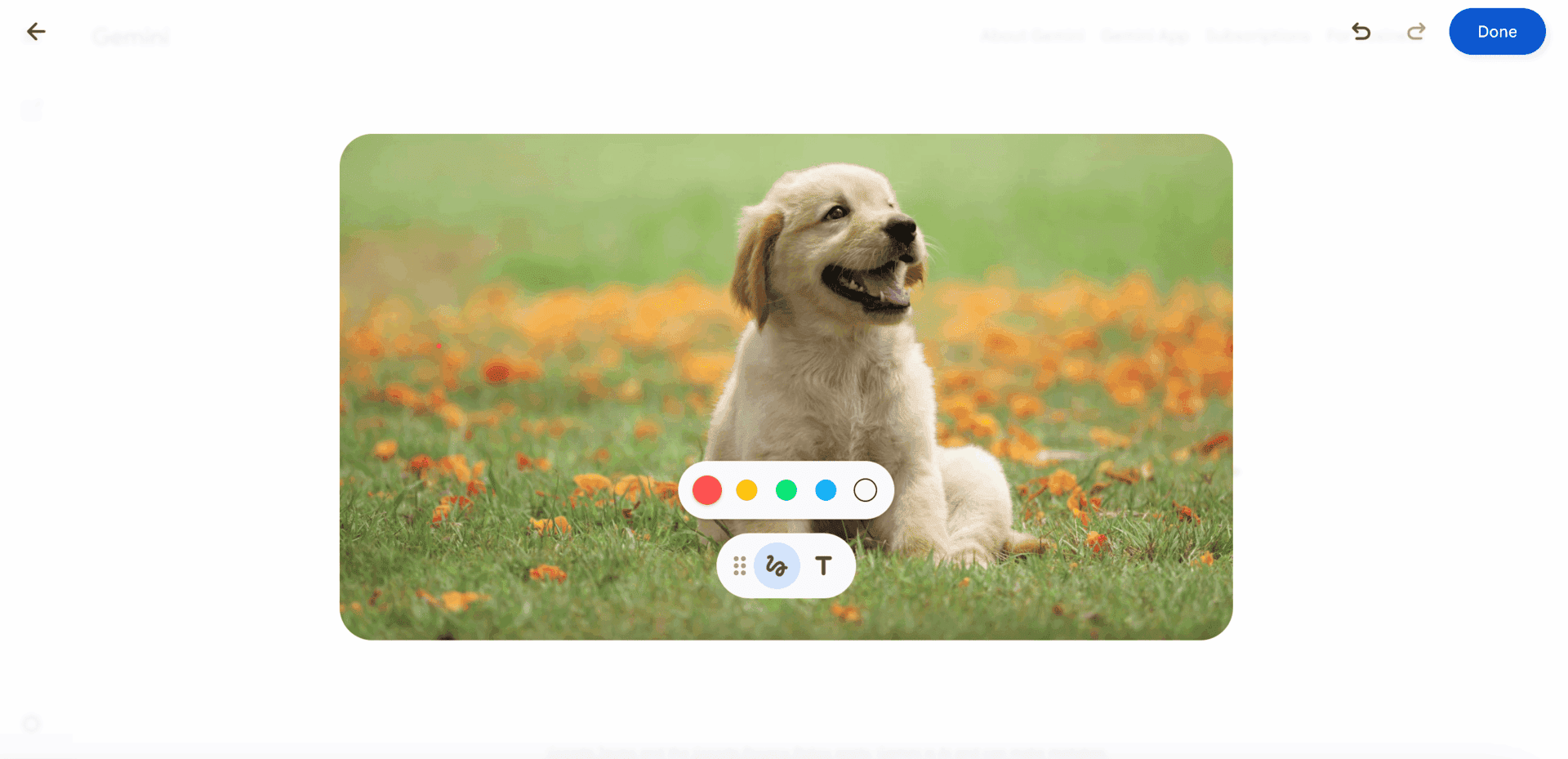
Go to the Gemini app (mobile or web) and select Create images mode. Make sure you’re using the Thinking model for best results with Nano Banana Pro, or the standard model for the original Nano Banana.
Step 2: Upload your dog’s photo
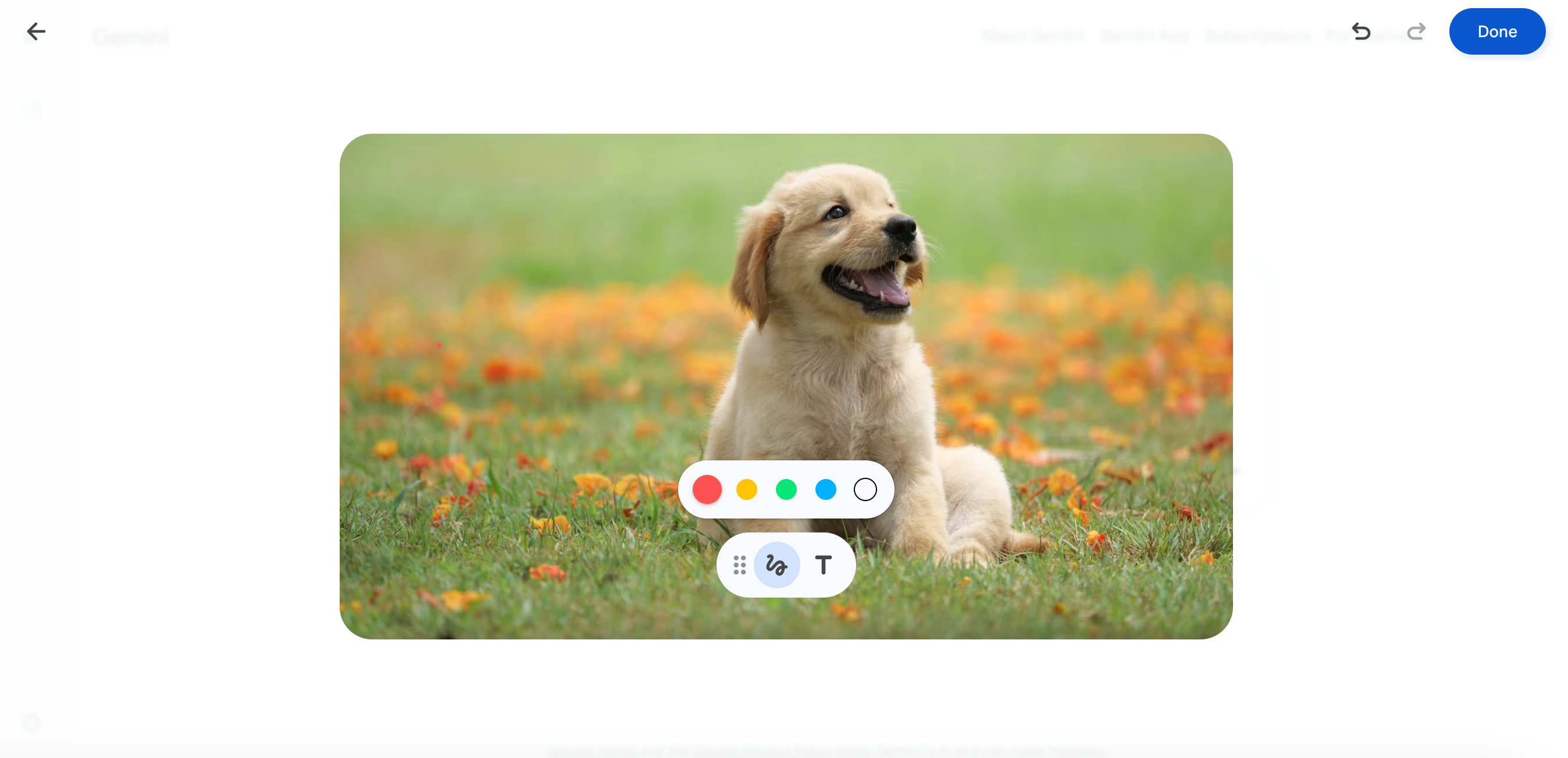
Tap the attachment icon and upload a clear photo of your dog. Tips for best results:
- Use a photo where your dog’s face is clearly visible
- Good lighting makes a big difference
- Front-facing or 3/4 angle works best for selfie styles
- Multiple photos can improve consistency (Nano Banana Pro supports up to 14 inputs)
Step 3: Write your prompt
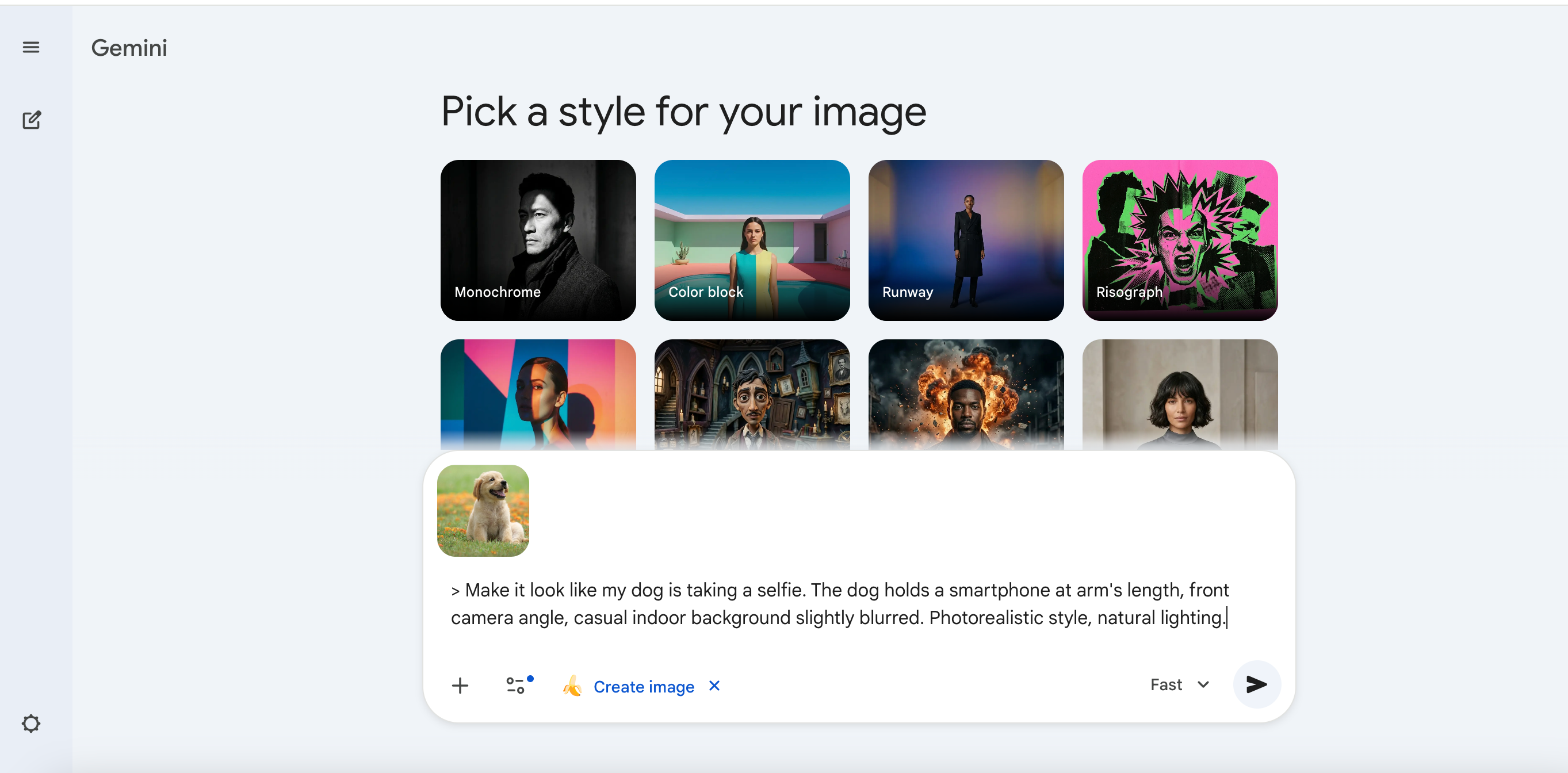
Type a prompt describing the style you want. Be specific about the scene, mood, and style. See the prompts section below for ready-to-use examples.
After entering your prompt, Gemini may show a style picker — you can choose from presets like Monochrome, Color block, Runway, or skip it and let your prompt define the style.
Step 4: Choose your style and generate
Hit send and wait for the result. Nano Banana 2 will process the photo — generation takes about 10–20 seconds.
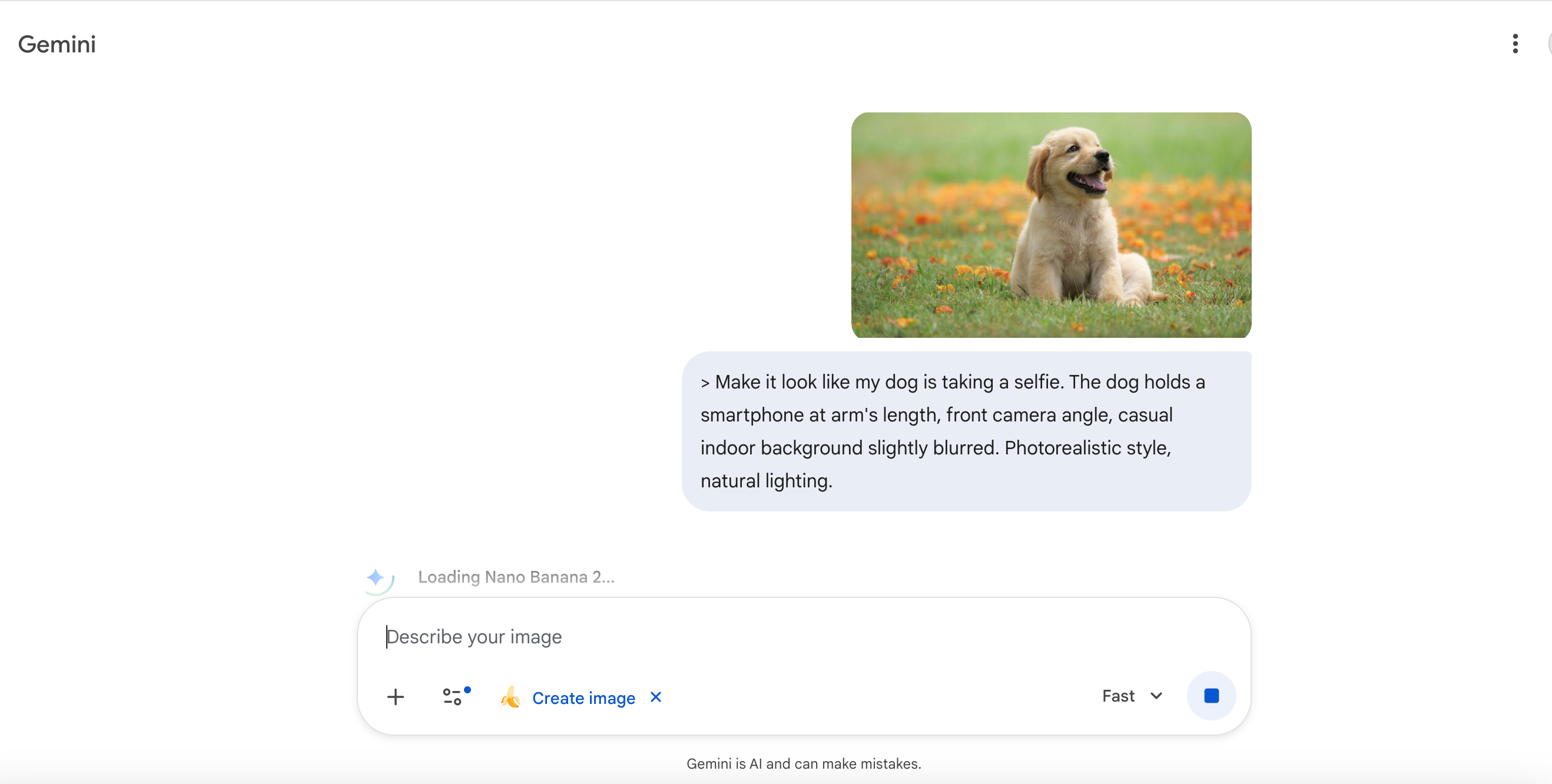
If you don’t love the first output, tweak the prompt — add more detail about lighting, background, or mood. You can also use localized editing to adjust specific parts of the image.
Step 5: Download and share
Download the image and post to Instagram or TikTok with #nanobanana. The image will include a SynthID watermark (imperceptible) confirming it’s AI-generated. Free and Pro tier users also get a visible Gemini sparkle watermark; Ultra subscribers can remove it.
Best Prompts for Nano Banana Dog Selfie
Copy and paste any of these directly into Gemini:
Fantasy forest portrait:
Transform my dog into a majestic fantasy portrait. Place them in a dramatic forest scene with golden hour lighting, surrounded by glowing particles. Painterly style, high detail, cinematic mood.
Pixar-style figurine:
Turn my dog into a Pixar-style collectible figurine. 3D render, soft studio lighting, white background, detailed fur texture, expressive eyes. The figurine should look like an official movie merchandise item.
Dog taking a selfie:
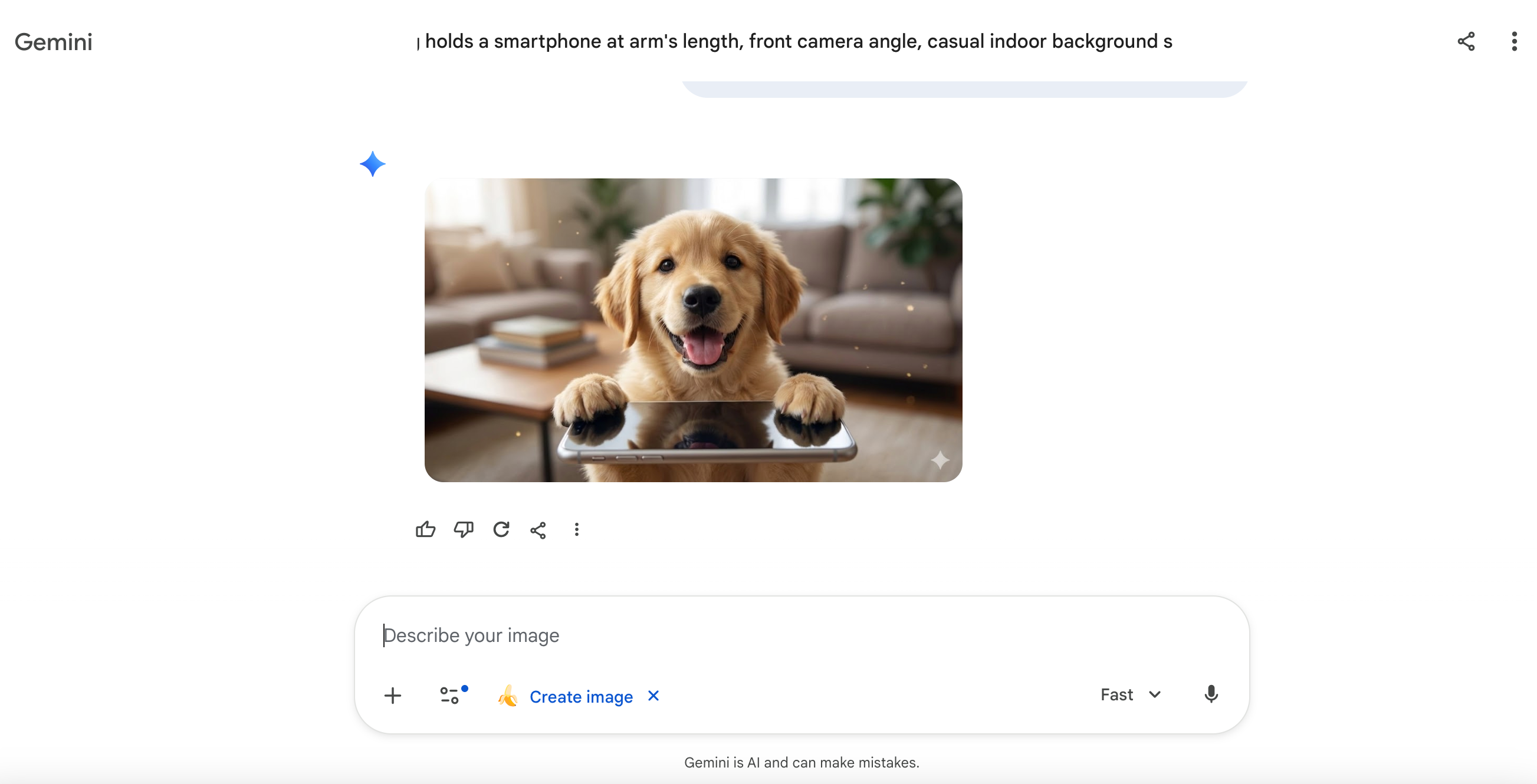
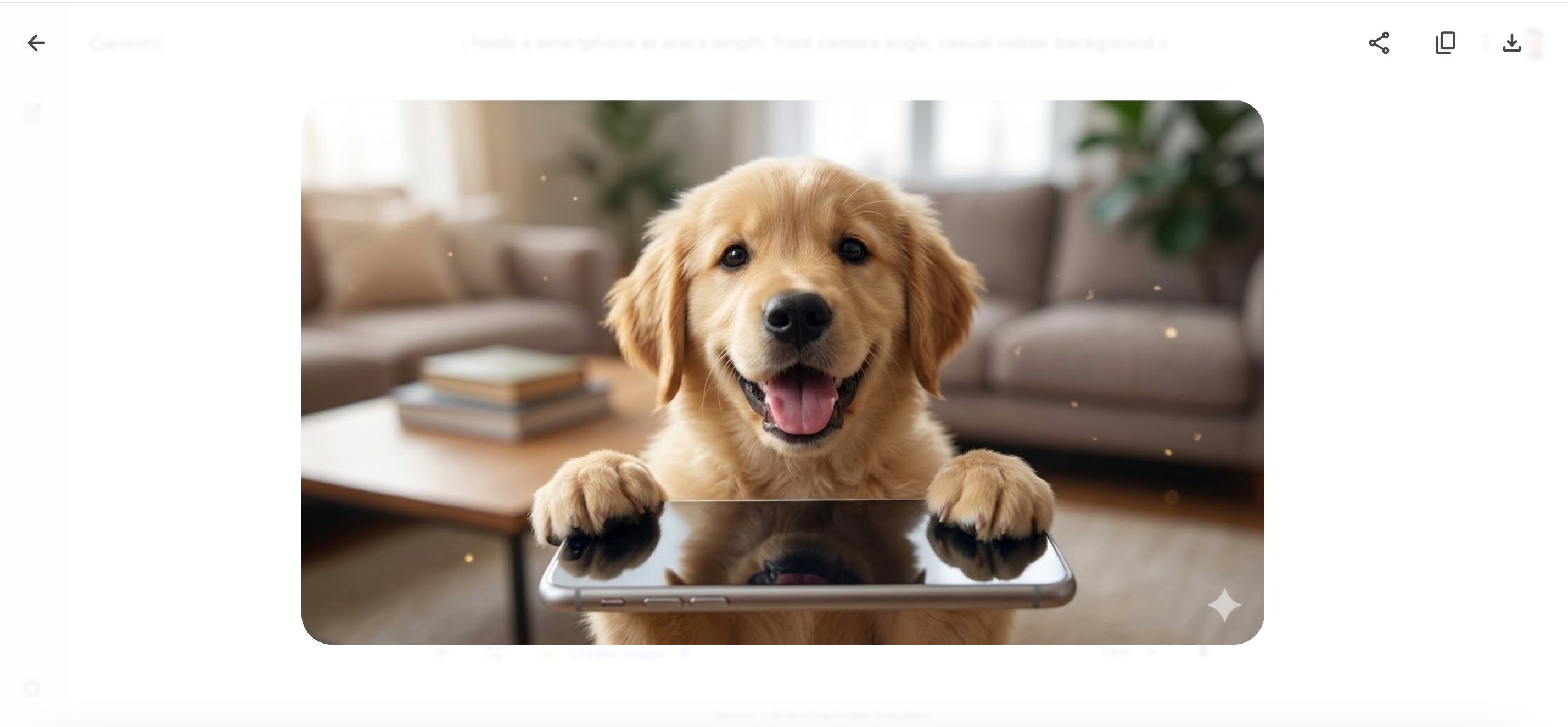
Make it look like my dog is taking a selfie. The dog holds a smartphone at arm’s length, front camera angle, casual indoor background slightly blurred. Photorealistic style, natural lighting.
Renaissance portrait:
Reimagine my dog as a subject in a Renaissance oil painting. Formal pose, rich jewel-tone background, dramatic chiaroscuro lighting, ornate decorative frame. Old masters style.
Cinematic outdoor scene:
Place my dog in a cinematic outdoor scene — a mountain trail at golden hour. The dog looks directly into the camera. Bokeh background, warm tones, National Geographic photography style.
Nano Banana Dog Selfie Examples
The most popular styles people are creating:
- Fantasy setting — dogs in enchanted forests, magical glowing environments
- Figurine — collectible toy-style renders, extremely popular on Reddit and Instagram
- Portrait — formal painted portraits with dramatic lighting
- Selfie scene — the dog appears to hold the camera, shot from the dog’s POV
- Outdoor cinematic — dogs in nature scenes with professional photography composition
The #nanobanana hashtag on Instagram and TikTok is the best place to browse examples and get prompt inspiration from what others are creating.
Tips for the Best Results
Choose the right photo. A clear, well-lit photo where your dog’s face is the main subject will give the best results. Avoid blurry images or photos where the dog is far away.
Be specific in your prompts. The more detail you give about style, lighting, and mood, the more consistent the output. Generic prompts produce generic results.
Use multiple photos for consistency. If Nano Banana 2 or Pro is available to you, upload 2–3 photos of your dog from different angles. This helps the model maintain your dog’s specific markings and features across styles.
Iterate. First output not quite right? Ask Nano Banana to adjust specific elements — change the background, alter the lighting, or shift the color grading. Localized editing lets you refine parts of the image without regenerating everything.
Aspect ratio matters for social. Request specific aspect ratios in your prompt: square (1:1) for Instagram grid, vertical (9:16) for Stories and TikTok, landscape (16:9) for YouTube thumbnails.
FAQs
- Which is better — Nano Banana 2 or Pro?
For dog selfies, Nano Banana Pro produces noticeably better results — sharper detail, stronger subject consistency, and more sophisticated style control. However, Nano Banana 2 is solid for free users and handles most common styles well.
- Can Nano Banana create images from scratch?
Yes, but it’s best known for image editing and transformation. For dog selfies, you always start with a real photo of your dog — that’s what makes the results so good. The model preserves your dog’s actual likeness rather than generating a generic dog.
- Is Nano Banana free for dog selfies?
Free tier users get limited quotas with the original Nano Banana model. After hitting the quota, you revert to the base model. Google AI Plus, Pro, and Ultra subscribers get higher quotas and access to Nano Banana Pro.
- How do I make it look like my dog is taking a selfie?
Use the selfie prompt above. The key is specifying u0022front camera angle,u0022 u0022arm’s length,u0022 and u0022the dog holds a smartphone.u0022 Nano Banana Pro handles this composition best — the original model sometimes struggles with the perspective.
- Can I use the images commercially?
Check Google’s current terms for AI-generated content in the Gemini app. All images include a SynthID watermark for verification. For commercial use, Google AI Ultra or the Gemini API with appropriate licensing is recommended.